Smart home · Privacy
Is your smart TV watching you?
Your television can recognise programmes, remember searches and help shape the adverts you see. Five settings put you back in control without making the screen less useful.
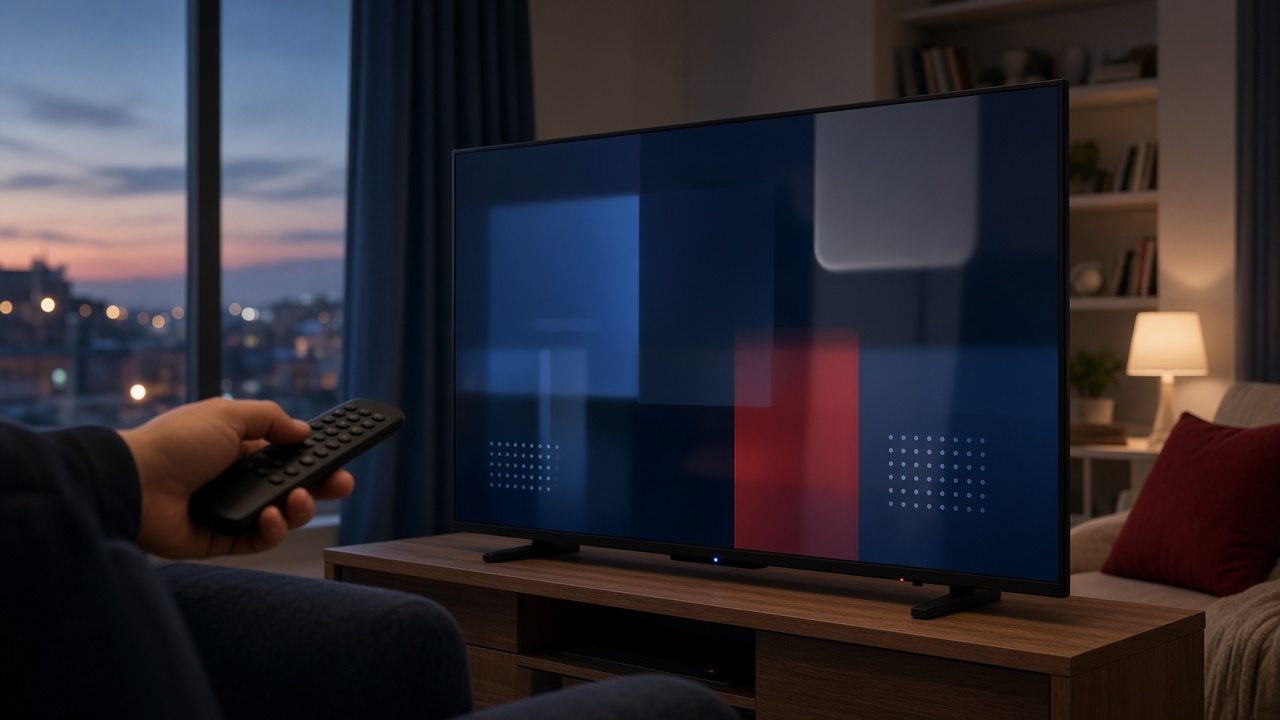
A modern television is a computer with an excellent screen. Connect it to the internet and it can recommend programmes, respond to voice commands and update itself. It can also collect more information about the household than many viewers realise.
That does not mean the television is secretly recording every conversation. It does mean that viewing activity, advertising identifiers, app usage and diagnostic data can leave the room. The exact labels vary by manufacturer, but the controls are usually available.
What the television may collect
Most connected sets gather basic technical data: model, software version, crashes and network performance. Optional systems can go further. Automatic content recognition, usually shortened to ACR, identifies what is on screen — including programmes arriving through an aerial, set-top box or games console.
The useful distinction
Essential data keeps apps, updates and security working. Personalisation and advertising data is usually optional. Turning off the latter should not stop ordinary viewing.
Five settings to check today
- Switch off viewing information or ACR. Look under Privacy, Terms, Live Plus, Viewing Data or Viewing Information. Disable permission to recognise content across inputs.
- Reset the advertising identifier. Then disable personalised or interest-based adverts where the option exists.
- Review voice services. If you never use the microphone, turn voice recognition off. If you do use it, check whether recordings can be reviewed by people.
- Remove forgotten apps. Every installed service has its own permissions and account history. Keep only what the household still uses.
- Choose limited data during setup. “Accept all” is faster, but custom settings make optional analytics and marketing much easier to spot.
Do not block the updates
Privacy and security are not the same thing. Automatic software updates are worth keeping on because they repair vulnerabilities in the television and its apps. If the set no longer receives updates, consider disconnecting unused smart features and using a supported streaming device.
A household check, not a one-off fix
Review the settings after a major software update and whenever the television presents revised terms. Also check the privacy controls inside each streaming account; changing the television does not change Netflix, ITVX or YouTube settings.
Five-minute checklist
- ACR or viewing recognition off
- Personalised advertising off
- Unused voice features off
- Old apps removed
- Security updates on
The aim is not to make a smart television “dumb”. It is to keep the convenience you value while declining collection that does not improve the evening.